For iPhone and CarPlay

Drive with three maps at once.

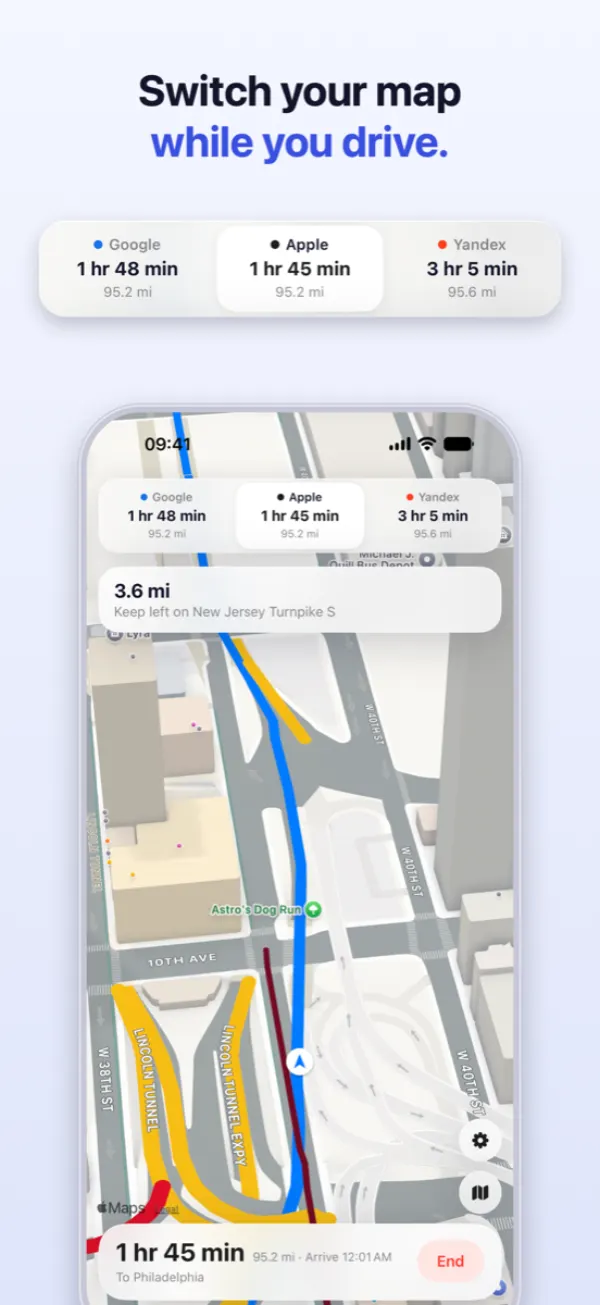
TriNav asks Google, Apple and Yandex for the same trip, lines up their arrival times and guides you turn by turn on the one you pick. Change your mind halfway and switch without stopping.

Download on theApp Store Your first drive is free.
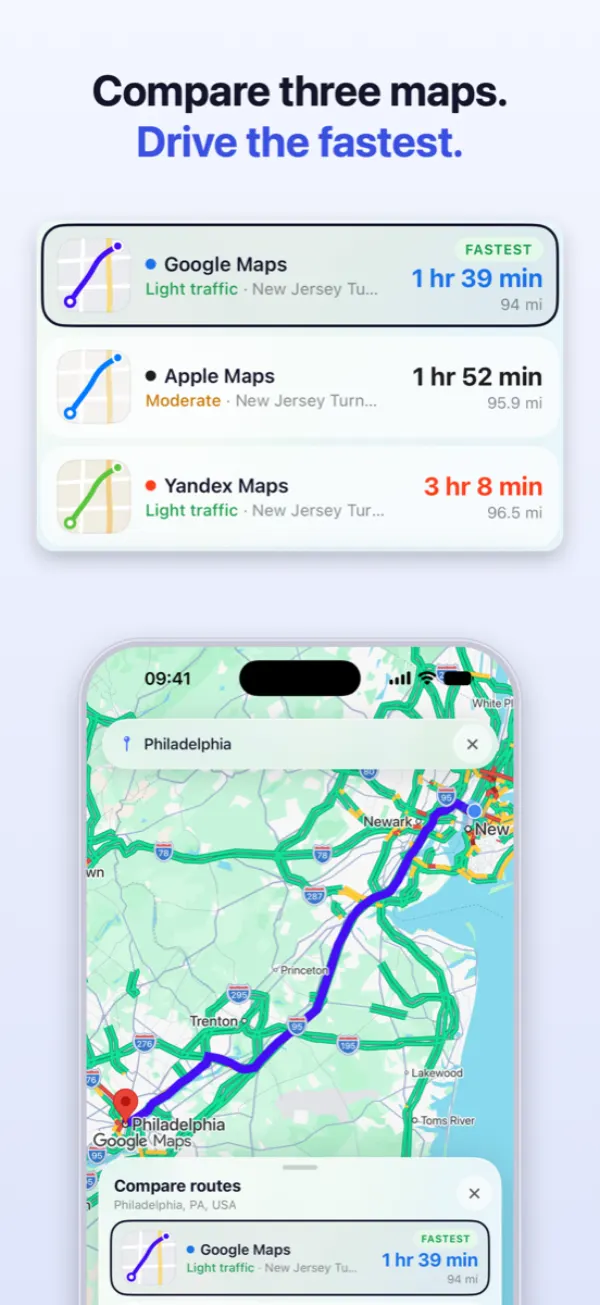
TriNav showing three routes for one trip
Three providersGoogle, Apple and Yandex, live
Real turn-by-turnSpoken, inside the app
CarPlayMap, dashboard, cluster
No accountOpen it and drive
01 — Compare

One trip, three answers.

Each map reads traffic its own way, so the same trip rarely gets the same estimate. On a longer drive the gap can run to tens of minutes. TriNav shows all three before you set off.

  • aArrival time, distance and traffic for every route
  • bToll crossings marked on the routes that have them
  • cThe fastest one picked for you, until you pick another
Compare routes sheet with Google, Apple and Yandex
02 — Switch mid-drive

Change maps without stopping.

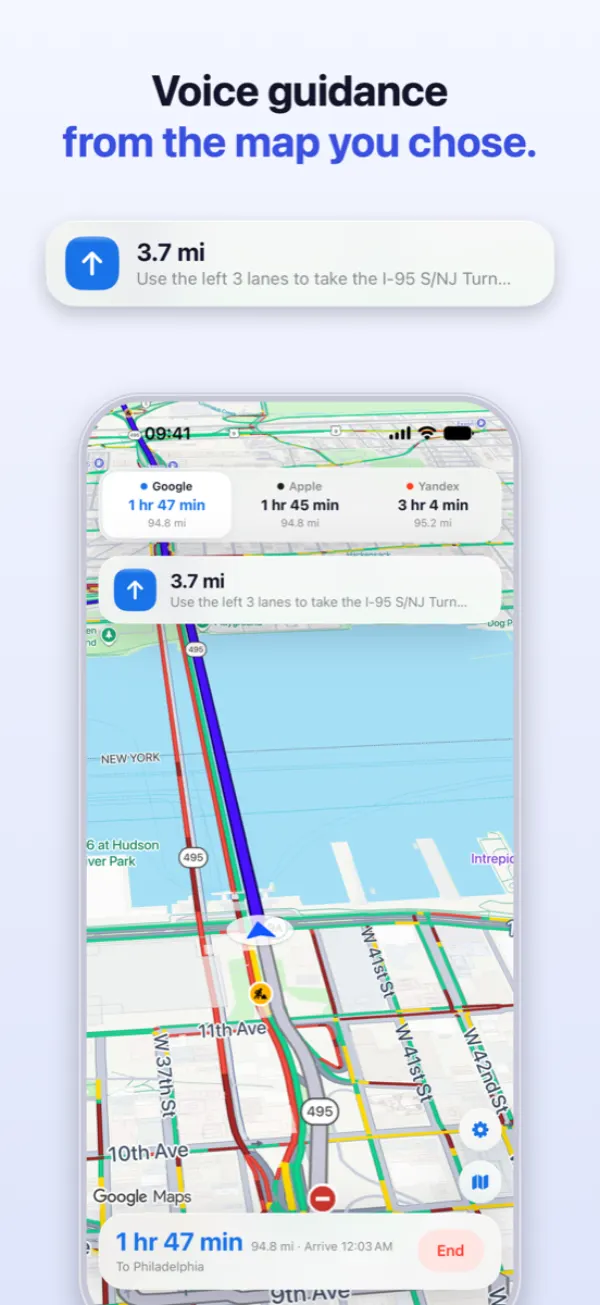
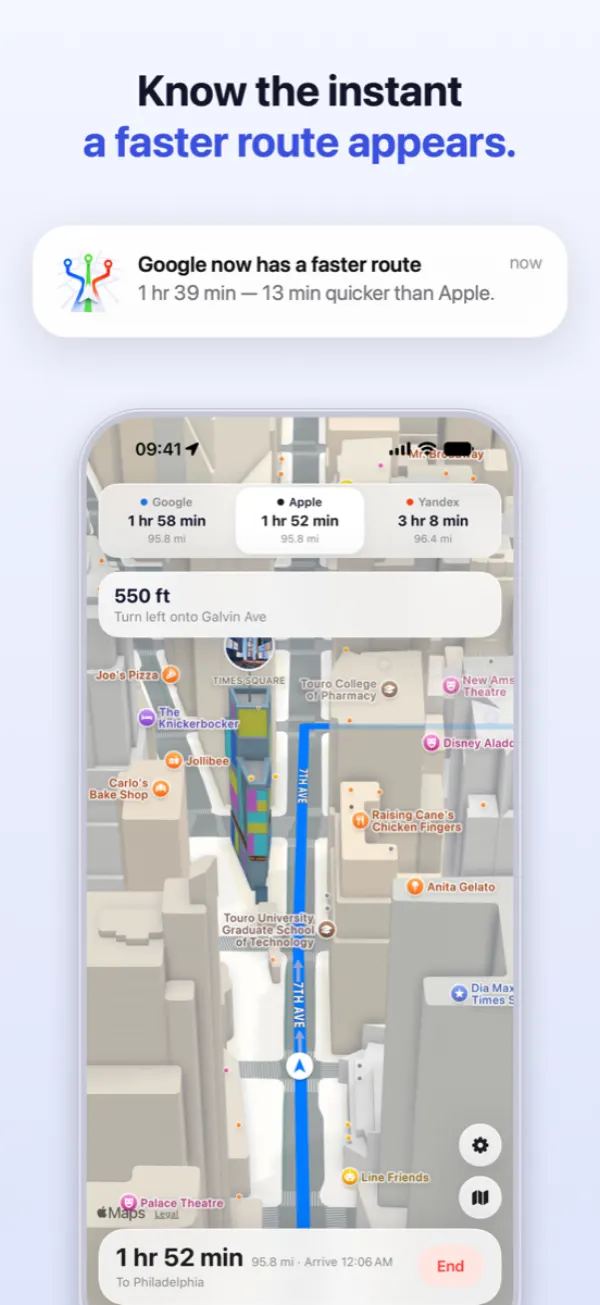
All three estimates stay live for the whole drive. When another map pulls ahead, TriNav tells you by how much, and one tap moves your guidance to it. The trip carries on.

  • aThe three arrival times along the top, all the way
  • bA heads-up when a faster route appears
  • cOne voice for all three maps, so switching sounds the same
Driving with Yandex while Google is shown as faster
03 — CarPlay

On your car's screen, too.

Search, compare and drive from the car's display. Turns show on the CarPlay dashboard and, in cars that support it, on the screen behind the wheel. The other two maps stay one tap away.

  • aHome and Work one tap from the dashboard
  • bTurn-by-turn on the map, dashboard and instrument cluster
  • cPart of TriNav Premium
TriNav on a CarPlay screen
04 — On the road

Your music keeps playing.

Spoken directions turn your music down instead of stopping it. Lock the phone and the next turn and your arrival time stay on the Lock Screen and in the Dynamic Island.

  • aGuidance keeps running with the screen locked
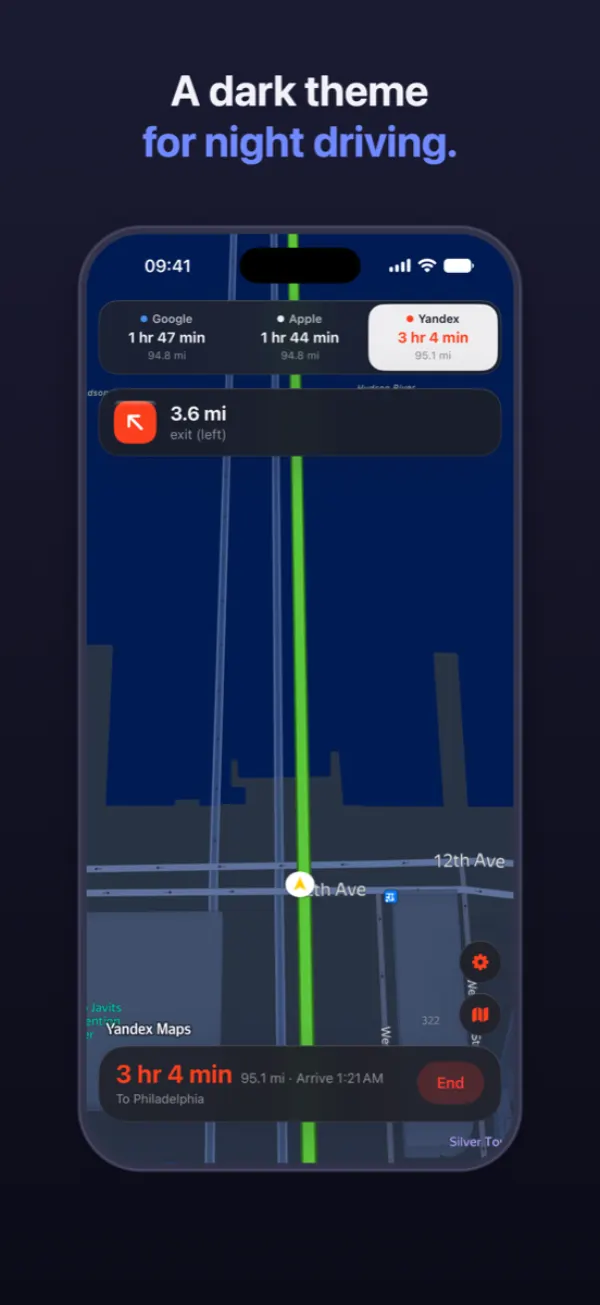
  • bLight and dark maps, in six languages
Driving with the three arrival times along the top
05 — After the drive

See which map got it right.

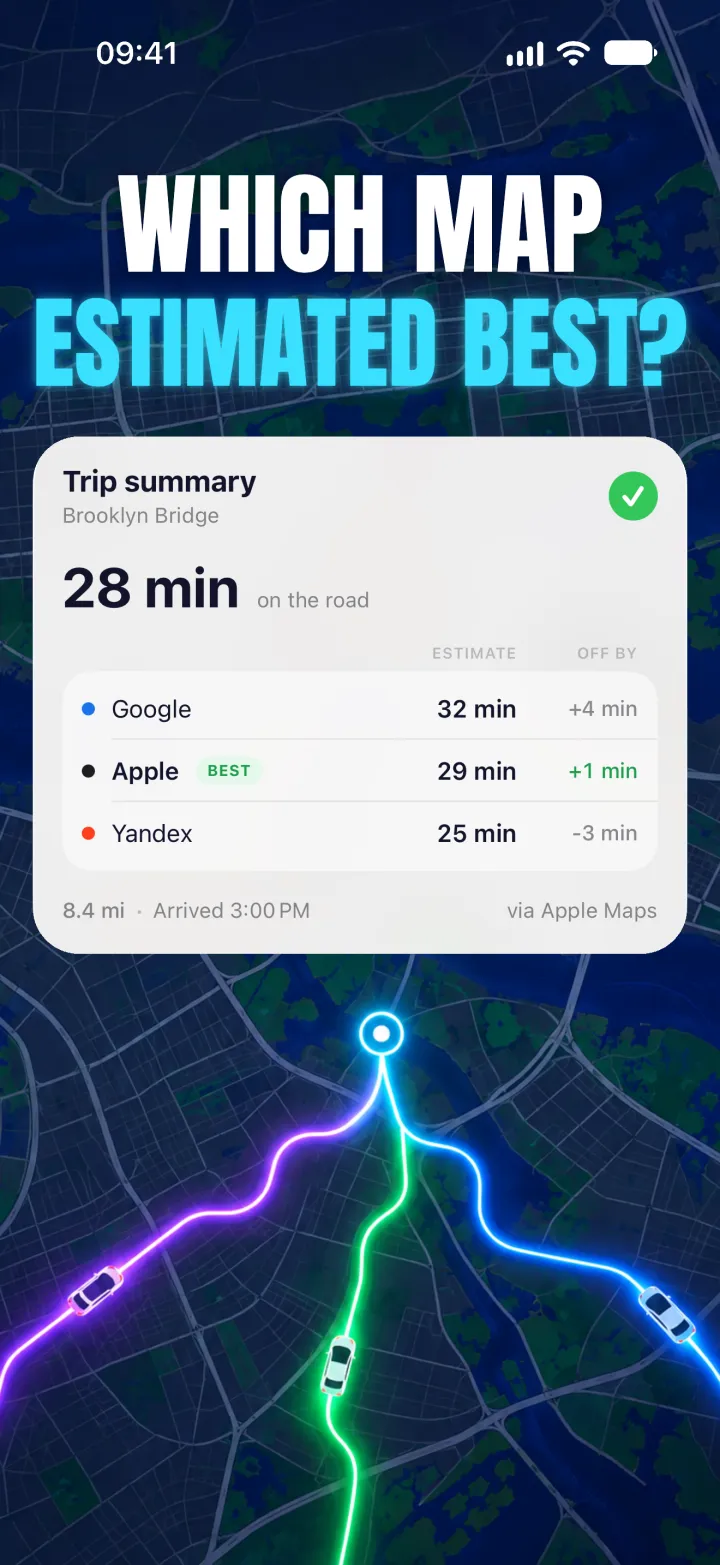
When you arrive, the trip summary sets each map's estimate against the time you actually drove. Over a few trips you learn which one to trust on your roads.

Trip summary comparing each map's estimate with the real drive
Pricing

Try it on a real drive first.

Comparing routes is free for as long as you like. Premium is for driving with TriNav every day.

Free

No account, no card
  • Your first navigation, any length
  • Unlimited route comparisons
  • Search, favourites, traffic and tolls

Premium

Weekly or yearly
  • Unlimited navigation
  • TriNav on CarPlay
  • Cancel any time in your iPhone's Settings
Questions

Good to know.

Do I need Google Maps or Yandex installed?

No. TriNav gets the routes itself and guides you inside the app. It never sends you off to another app.

Why do the three maps disagree?

Each one has its own traffic data and its own idea of the best road. That is exactly why it pays to see all three: the fastest map changes from trip to trip.

Do I need an account?

No. There is no sign-up. Your location is used to plan and follow your route, and never for advertising.

How do I cancel Premium?

In your iPhone's Settings, under your name and then Subscriptions. Premium stays on until the end of the period you paid for.

Is TriNav made by Google, Apple or Yandex?

No. TriNav is an independent app. Google Maps, Apple Maps and Yandex Maps are trademarks of their owners.

Ask three maps.
Drive the fastest.